What is local SEO for a service business?
Local SEO for a service business is the work of making your business show up when nearby customers search for the service you offer. A plumber, electrician, cleaner, landscaper, locksmith, or home repair specialist does not sell from a shop counter. Customers find you on Google, check your reviews and photos, and then call. If your business is not visible in those search results, those calls go to a competitor.
Unlike a shop, a service business often travels to the customer. That changes how Google treats your profile: your service area matters more than a shopfront, and your reviews, photos of real work, and service pages carry more weight than a store address. The goal is simple: when someone nearby searches for your service, your business should be one of the first trustworthy options they see.
For background on how search engines rank pages, see the search engine optimization overview on Wikipedia. Local SEO takes those same principles and applies them to a specific town, city, or region.
How is service business SEO different from shop SEO?
Service businesses and shops share the same Google tools, but the priorities differ:
- No shopfront to visit. Customers judge you from your profile, reviews, and photos of finished work, not from a window display.
- You cover an area, not one address. Your service area settings, and the towns you genuinely serve, matter more than a single location pin.
- Trust comes first. A customer invites you into their home. Reviews, real photos, and clear service details matter more than a clever slogan.
- Calls beat clicks. Most service customers want a phone number and a booking, not a long browse. Your profile must make calling easy.
- Emergency and urgent searches matter. Many service searches happen when something breaks. Being visible at that exact moment is worth more than ranking for a general term.
This is why copying a shop’s SEO plan rarely works for a service business. The tools are the same, but the order of work is different.
What should my Google Business Profile include?
Your Google Business Profile is usually the first thing a customer sees, and for a service business it is often the whole first impression. At minimum, it should include:
- The right primary category. Pick the category that matches your main service, not a vague or broader one.
- All your real services listed. Add each service you actually offer, with a plain description of what it covers.
- Your true service area. List the towns and areas you genuinely travel to. Do not claim areas you never serve.
- Real photos of real work. Before and after photos, your team at work, and your branded vehicle build far more trust than stock images.
- Accurate hours and phone number. Nothing loses a customer faster than a wrong number or a closed sign on a business that is open.
- Regular posts. Short updates about services, seasonal work, and offers keep the profile active and current.
If you have not worked through your profile properly yet, start with my Google Business Profile optimization guide. It covers each of these steps in detail, and a strong profile is the foundation everything else in this guide builds on.
What is service area SEO, and how do I set it up?
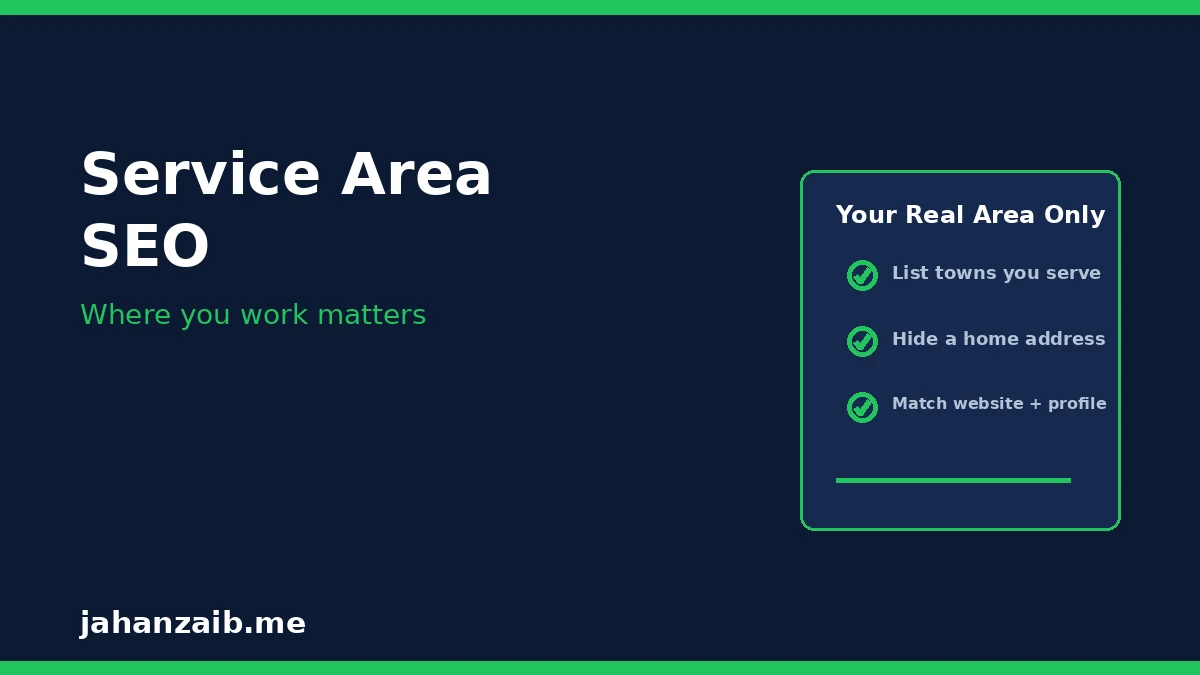
Service area SEO means helping Google understand where you work, so it shows your business to customers inside that area. For a business without a shopfront, this is one of the most important settings you will touch. Here is how to approach it:
- Hide your home address if you work from home. Google lets service-area businesses hide their address and show only a service area instead. This protects your privacy and matches how you actually work.
- List areas you truly serve. Add each town or district you regularly travel to. Accuracy matters: claiming an area you never visit creates disappointed customers and bad reviews.
- Match your website to your profile. The areas on your service pages should agree with the areas on your profile. Contradictions confuse both customers and Google.
- Build proof in each area. Reviews and photos that mention real jobs in real towns are the strongest evidence that you serve an area well.
- Expand slowly. Add new areas only when you genuinely start working there, and support each one with real jobs, reviews, and content.
A common mistake is listing twenty towns on day one in the hope of ranking everywhere. That usually ranks you nowhere. Start with your real core area, win it properly, and then grow outward.
Do I need a separate page for each service?
Yes, in most cases. One page per service is one of the simplest and most effective things a service business can do. A single “Services” page that lists everything rarely ranks well, because Google cannot tell which service the page is really about. A dedicated page for each service solves that:
- One topic per page. A page about drain cleaning should be about drain cleaning, not about drain cleaning, boiler repair, and bathroom fitting.
- Real detail, not filler. Explain what the service covers, how long it usually takes, what the customer should expect, and what area you cover.
- Real photos of that job. Photos from actual jobs in that service build trust and show you do this work regularly.
- Clear next step. Every service page should end with one obvious action: call, request a quote, or book a visit.
- Local wording, naturally. Mention the areas you serve for that service in normal sentences, not in a stuffed list of town names.
Keep the list honest. If you offer six services, build six good pages. Do not invent services you do not provide just to fill a menu.

How do reviews help a service business specifically?
For a service business, reviews carry extra weight, because the customer is inviting a stranger into their home. Before they call, they want proof that other people trusted you and were happy. Reviews give them that proof:
- They answer the trust question first. A strong review profile reassures a customer before they ever speak to you.
- They describe real jobs. Reviews that mention the service and the area help future customers see that you do their kind of work in their kind of place.
- They support rankings. A steady flow of genuine reviews is one of the clearest activity signals a local profile can send.
- They rescue you from one bad day. A profile with many good reviews absorbs one unhappy customer far better than a profile with only three reviews in total.
Ask every customer, not only the happy ones, and reply to every review, good or bad. A calm, helpful reply to a complaint often wins over the next ten people who read it. And never buy reviews or offer payment for them: Google removes them, and getting caught costs far more trust than it gains.
What about my website: what does it actually need?
A service business website does not need to be large, but it does need to be clear, fast, and honest. The essentials are:
- One page per service. As above, each real service gets its own page with real detail and real photos.
- Service area pages only where justified. If you genuinely serve several distinct towns, a short page per main town can help, but only with real local detail, not copied text with the town name swapped.
- A phone number on every page. On mobile, the number should be tappable. Most service customers call from their phone, so do not make them hunt for it.
- Fast loading on mobile. A slow site loses emergency customers in seconds. Compress images, keep the design simple, and test on a real phone.
- Clear contact and booking options. A simple quote form, a phone number, and honest hours beat a complicated booking system nobody finishes.
Keep the language simple. Customers search in plain words like “plumber near me” or “AC repair in Lahore”, not in industry jargon. Write the way your customers talk, and your pages will match the searches that matter.
How do I turn searches into calls and bookings?
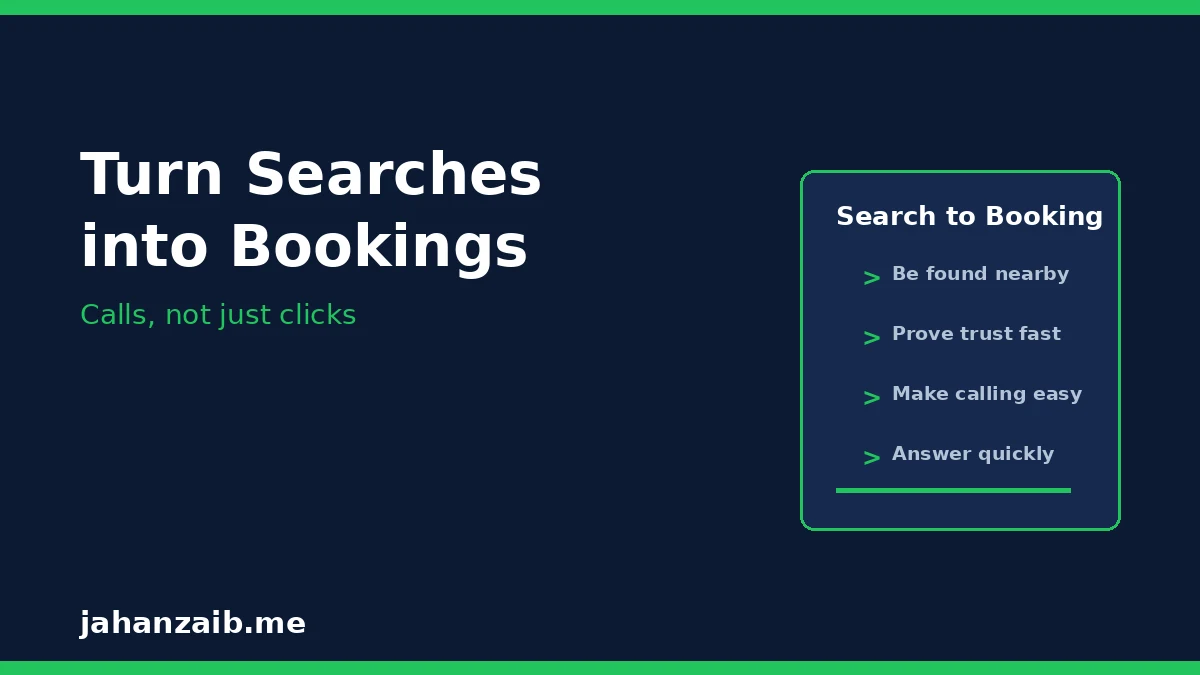
Visibility without enquiries is wasted work. Once a customer finds you, the path to contact must be short and obvious:
- Make the phone number impossible to miss. It should appear at the top of your profile and on every website page.
- Answer quickly, or call back fast. Many service customers call two or three businesses and hire the first one that answers properly.
- Give one clear next step. “Call now for a free quote” beats a page with five different buttons and no clear priority.
- Show proof before the call. Reviews, real photos, and clear service descriptions do the persuading before the customer ever dials.
- Track where calls come from. Ask new customers how they found you, and note it. Over a month, this tells you which part of your local SEO is actually working.
The businesses that win local work are rarely the ones with the fanciest websites. They are the ones that are easy to find, easy to trust, and easy to contact.
What are the most common mistakes service businesses make?
- Claiming areas they never serve. This creates bad reviews and wasted enquiries from places you cannot reach.
- Using stock photos instead of real work. Customers can tell, and stock photos answer none of the trust questions that matter.
- One page for every service. A single catch-all page ranks poorly and tells the customer very little about the job they actually need.
- Never asking for reviews. Happy customers rarely leave reviews unprompted. If you never ask, your profile stays quiet while competitors collect proof.
- Ignoring the profile after setup. Outdated hours, old photos, and unanswered reviews make an active business look closed.
- Stuffing town names into pages. A list of fifty towns on one page helps nobody and reads badly to customers and to Google.
- Hiding the phone number. A service customer who cannot find your number in seconds will call the next business on the list.
Most of these mistakes are easy to fix, and fixing them often produces visible results faster than any advanced tactic.
What should my first 30 days look like?
If you are starting from scratch, here is a practical 30-day plan:
- Days 1 to 7: fix the profile. Correct category, services, service area, hours, phone number, and real photos. Ask your last few happy customers for reviews.
- Days 8 to 14: build the core service pages. One page per main service, with real detail, real photos, and a clear call to action.
- Days 15 to 21: start the review habit. Ask every customer, reply to every review, and add new photos from real jobs each week.
- Days 22 to 30: check and improve. Ask new callers how they found you, fix anything that confused them, and post one useful update on your profile.
After 30 days, the habit matters more than the launch: keep asking for reviews, keep adding real photos, and keep your details accurate. Local SEO for a service business is mostly consistency, not complexity.
Do I need local SEO if I already get word-of-mouth work?
Word of mouth is still the best source of work for most service businesses, and local SEO strengthens it rather than replacing it. Here is why: when a neighbour recommends you, the first thing the new customer does is search your name. What they find in that search decides whether the recommendation turns into a call.
A strong profile with good reviews confirms the recommendation. A missing or outdated profile undermines it. Local SEO makes sure that every recommendation you earn actually converts, and it adds a second stream of customers who find you directly through search, without needing a recommendation at all.
If you want help putting this into practice for your own service business, from your profile and service pages to reviews and rankings, contact me and tell me what service you offer and where you work. I will look at your current visibility and tell you honestly what would help most first.