Your website might look fine and still be invisible to Google. Pages that never got indexed, title tags that say “Home”, a contact page that takes nine seconds to load on a phone. These are the quiet problems an SEO audit finds.
I am Jahanzaib Shahzad, a Local SEO and Digital Marketing Specialist. I have spent years auditing websites for local and international businesses, and I use professional SEO tools like SEMrush daily. This checklist is the exact process I follow, simplified so any business owner can run it.
What is an SEO audit in short? An SEO audit is a systematic health check of your website. It examines whether Google can find and index your pages, whether your site is fast and mobile-friendly, whether your pages are properly optimized, and whether your content earns trust. The result is a prioritized list of fixes, ranked by impact.
What Is an SEO Audit?
Definition: An SEO audit is a structured review of everything that affects how your website performs in search engines. It covers technical setup, on-page elements, content quality, and off-page signals, and it ends with a clear action plan instead of vague advice.
Think of it like a car service. You do not wait for the engine to fail. You check the parts on a schedule, fix what is worn, and keep the vehicle reliable. An audit does the same for your website.
Why Does Your Small Business Need an SEO Audit in 2026?
Search changed more in the last two years than in the previous ten. Three shifts make audits urgent:
- AI answers now sit above the results. Google’s AI Overviews and tools like ChatGPT answer questions directly. If your pages do not give clear, quotable answers, you are invisible in the fastest-growing part of search.
- Zero-click searches keep rising. Most searches now end without a click. Your titles, descriptions, and business listings have to win attention on the results page itself.
- Speed and experience are ranking factors. Google’s Core Web Vitals measure how fast and stable your pages feel. Slow pages lose both rankings and customers.
In my experience auditing small business sites, I keep finding the same pattern: the owners are good at their trade, but their websites carry years of small technical debt. An audit turns that debt into a to-do list you can actually finish.
How Often Should You Audit Your Website?
- Every quarter: a light 60 to 90 minute check of traffic, rankings, indexing, and speed.
- Once a year: a deep full audit of every page, your content, and your backlink profile.
- After any big change: a redesign, a move to a new domain, or a traffic drop all deserve an immediate audit.
If you have never audited your site, start with the full checklist below. It takes a few hours the first time and gets faster every round after.
The SEO Audit Checklist
Work through these six areas in order. Fix critical issues in each area before moving to the next.
1. Can Google Find and Index Your Pages?
A page Google cannot see cannot rank. Check this first.
- Search Console coverage: open Google Search Console and look at the Pages report. Every important page should show as indexed. Note any page marked as excluded or error.
- Robots.txt: make sure you are not accidentally blocking important pages or your CSS and JavaScript files.
- XML sitemap: confirm your sitemap exists, is submitted in Search Console, and lists only pages you want indexed.
- Noindex tags: check that no important page carries a noindex tag left over from development or staging.
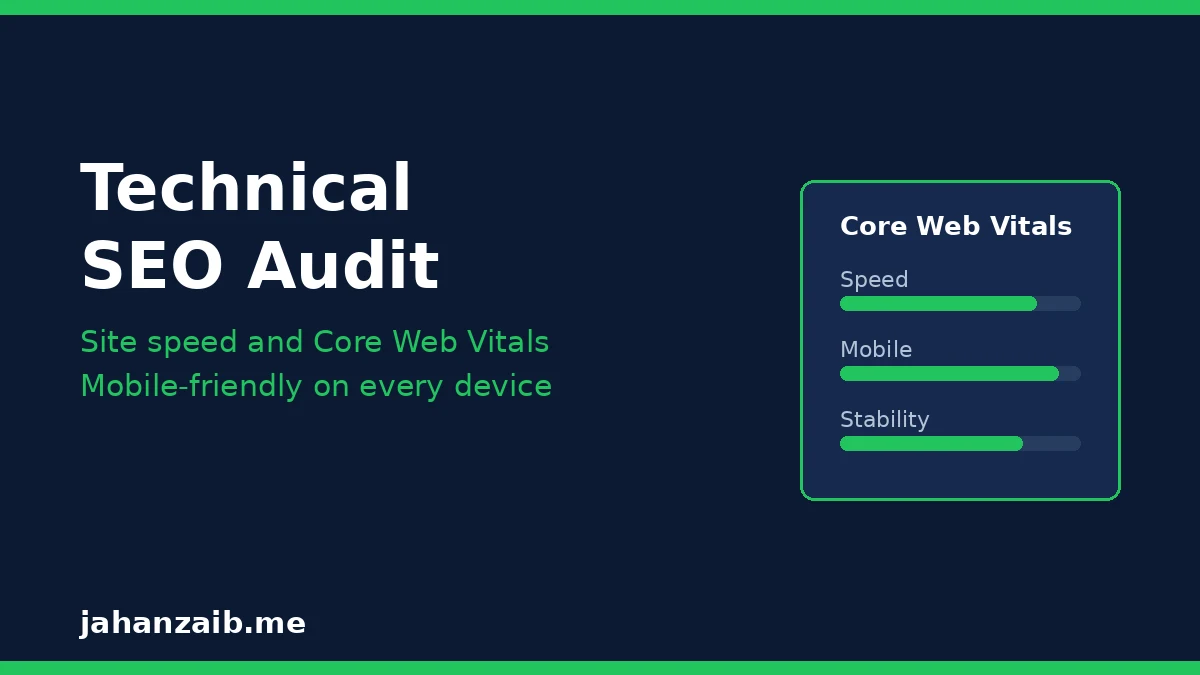
2. Is Your Site Fast and Mobile-Friendly?
Most of your customers visit on a phone. Google ranks the mobile version of your site.
- Core Web Vitals: in Search Console, open the Core Web Vitals report. Aim for green scores on mobile and desktop.
- PageSpeed test: run your homepage and two key service pages through Google PageSpeed Insights. Fix anything flagged as high impact first, usually large images or slow scripts.
- Mobile usability: open your site on your own phone. Can you read the text without zooming? Do buttons work? Is the phone number tappable?
- HTTPS: your whole site should load over HTTPS with no mixed-content warnings.
3. Is Your On-Page SEO Correct?
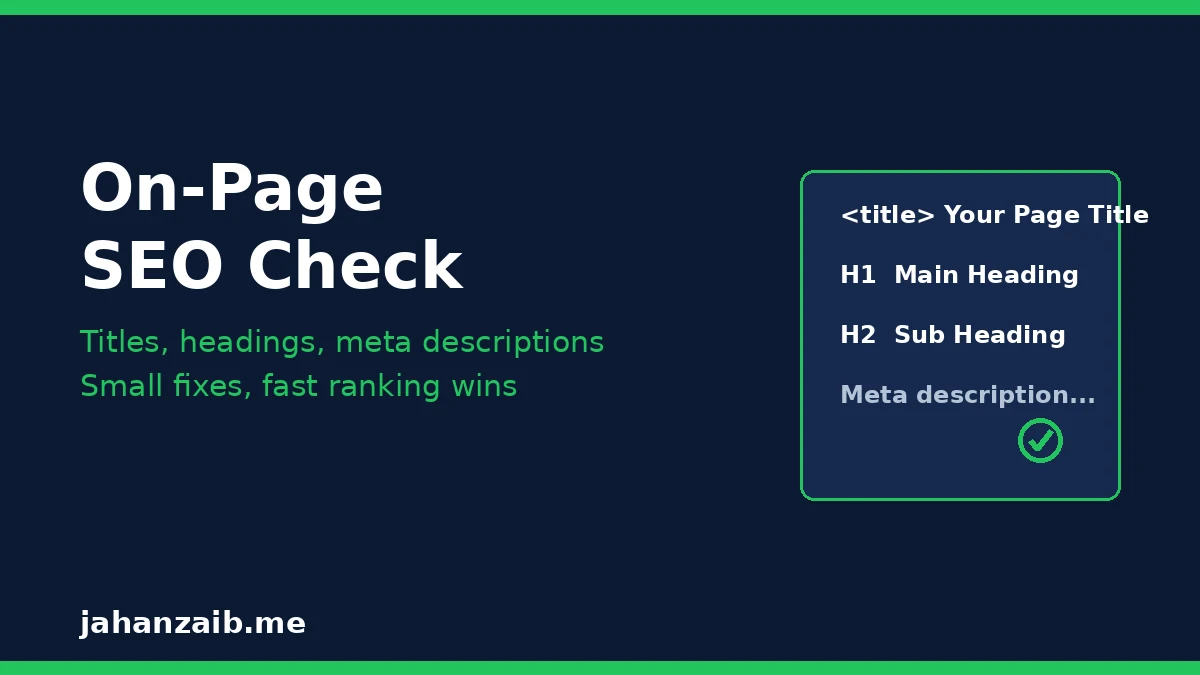
On-page SEO tells Google what each page is about. Small mistakes here are extremely common.
- Title tags: every page needs a unique title under 60 characters that includes its main keyword near the start. No page should say just “Home” or “Services”.
- Meta descriptions: every page needs a unique description under 155 characters that reads like ad copy and invites the click.
- One H1 per page: each page gets exactly one H1 that matches the page’s topic. Subtopics use H2 and H3 in logical order.
- Image alt text: every meaningful image needs descriptive alt text. Compress images so they load fast.
- Internal links: your important pages should be linked from relevant text on other pages, not hidden three clicks deep.
4. Is Your Content Helping or Hurting You?
Google rewards content that demonstrates real experience and answers questions completely.
- Thin pages: pages with barely any useful text rarely rank. Expand them or merge them into stronger pages.
- Outdated content: prices, staff names, and old statistics erode trust. Update your key pages at least once a year.
- Keyword cannibalization: if two pages target the same keyword, they compete with each other. Merge the weaker one into the stronger one.
- Search intent: compare your page with what already ranks. If Google shows how-to guides and yours is a sales page, rewrite to match the intent.
5. Are Your Local SEO Signals Consistent?
If you serve customers in an area, local signals decide whether you appear on the map.
- Google Business Profile: your profile should be claimed, verified, and fully completed with correct categories, hours, photos, and services. I wrote a complete guide to Google Business Profile optimization that walks through every step.
- NAP consistency: your business name, address, and phone number must be identical on your website, your profile, and every directory listing.
- Reviews: a steady flow of recent Google reviews with owner responses builds both rankings and trust.
- Location pages: if you serve multiple areas, each area deserves its own page with genuinely local content, not copied text with the city name swapped.
6. Is Your Site Ready for AI Search?
This is the 2026 addition most checklists still miss.
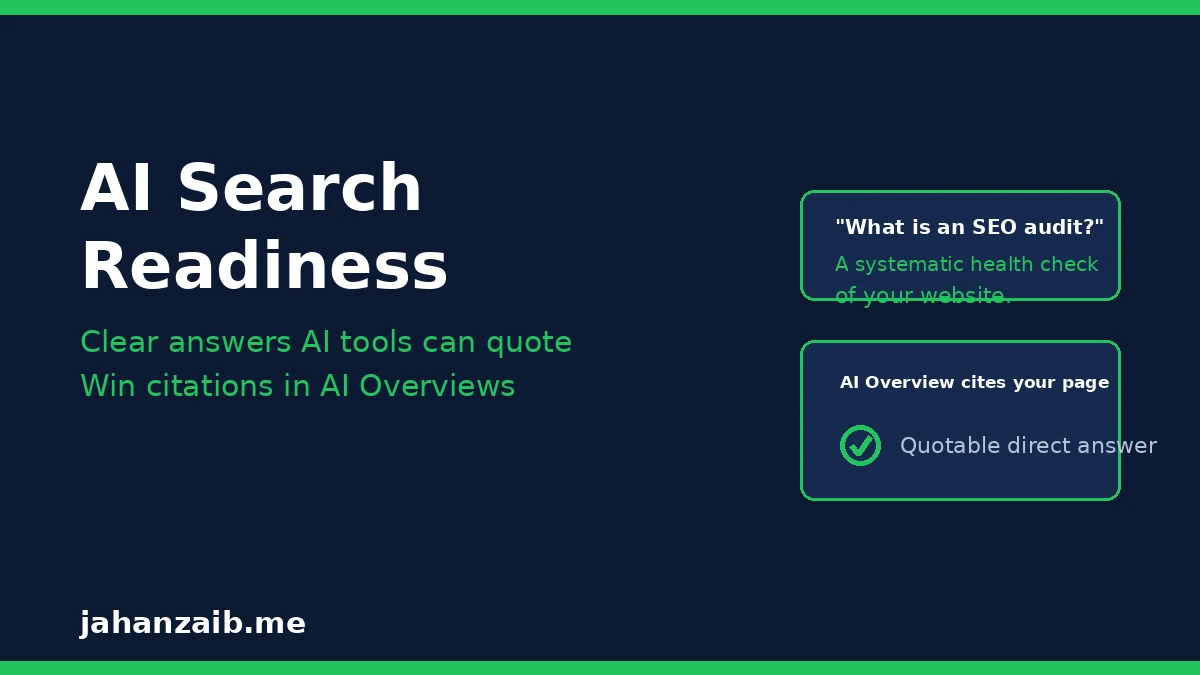
- Direct answers first: every key page should answer its main question in the first two or three sentences, in plain language an AI can quote.
- Q and A structure: question-based headings with concise answers make your content easy for AI tools to cite.
- FAQ schema: add FAQ structured data to pages with real frequently asked questions so search engines understand them.
- Brand consistency: your business name, services, and locations should read the same everywhere online. AI tools trust consistent brands. For background on how organic visibility works, see the overview of search engine optimization on Wikipedia.
Which Free Tools Do You Need for an Audit?
You do not need paid software for a solid first audit.
- Google Search Console: shows indexing, coverage errors, Core Web Vitals, and which queries bring impressions. Free and essential.
- Google Analytics 4: shows whether organic traffic is growing, flat, or falling, and which pages convert.
- Google PageSpeed Insights: tests speed and Core Web Vitals with specific fix recommendations.
- Screaming Frog (free tier): crawls up to 500 URLs and finds broken links, missing titles, and duplicate content fast.
When I audit professionally I also use SEMrush, which I have worked with for six years, for keyword gaps and backlink checks. But the four free tools above cover roughly eighty percent of what a small business needs.
How Do You Prioritize the Fixes?
An audit can produce a long list. Do not try to fix everything at once.
- Fix blocking issues first. Anything stopping Google from indexing your pages outranks everything else.
- Then fix speed and mobile problems. These affect every visitor and every ranking.
- Then fix on-page basics. Titles, headings, and meta descriptions are quick wins.
- Then improve content. This takes the most time, so schedule it page by page.
- Track one metric per fix. Note your starting point in Search Console, make the change, and check again in two to four weeks.
What Should You Re-Check After Fixing Audit Issues?
A fix only counts once you confirm it worked. Give each change one to two weeks, then re-check it the same way you found it.
- Re-run the Search Console coverage report and confirm the fixed pages now show as indexed, with no new errors.
- Re-test speed on mobile with PageSpeed Insights and compare the new scores with the ones you noted before the fix.
- Search for your updated pages and confirm the new title tags and meta descriptions are the ones showing in the results.
- Track one ranking and one traffic number per fix, and keep only the fixes that moved the number in the right direction.
- Put the next quarterly check in your calendar now, so the audit becomes a routine instead of a one time rescue job.
Updated 28 October 2026: this re-check section was added to help readers confirm their fixes, and the rest of the checklist is unchanged.
Frequently Asked Questions
How long does an SEO audit take?
A first audit of a small business website usually takes three to five hours. Quarterly maintenance checks take about an hour once you know the process.
Can I do an SEO audit myself, or should I hire someone?
If you are comfortable with the tools above, do the first pass yourself. You will learn how your site works. Hire a specialist when traffic drops suddenly, when you manage many pages, or when the audit reveals technical problems you cannot fix safely.
How much does a professional SEO audit cost?
For small business sites, professional audits typically range from a few hundred to a few thousand dollars depending on site size and depth. A good audit always ends with a prioritized fix list, not just a report.
Will an audit alone improve my rankings?
No. The audit finds the problems. Rankings improve when you fix them. That is why the prioritized action plan matters more than the audit itself.
What is the single most common issue you find in audits?
Missing or duplicate title tags, followed closely by slow mobile pages. Both are quick to fix and both move the needle.
Get Your Website Properly Audited
You now have the full checklist: indexing, speed and mobile-friendliness, on-page SEO, content quality, local signals, and AI search readiness.
If you would rather have a specialist run it, I offer hands-on SEO audits for small businesses. Get in touch through my contact page and I will audit your website and tell you exactly what is holding your rankings back, prioritized by impact.