What is on-page SEO, in plain language?
On-page SEO is everything you control on the page itself: the title, the headings, the words, the images, and the links to your other pages. It is different from technical SEO, which is about whether Google can find and read your site at all, and different from link building, which is about what other sites say about you.
Think of it this way: technical SEO opens the door, off-page SEO builds your reputation, and on-page SEO is what visitors actually read when they walk in. If the page itself does not answer the searcher’s question clearly, the rest of your SEO work will not save it.
I have worked on local and small business websites for years, using SEMrush for research and audits, and the pattern is always the same: the pages that rank well are the pages that answer one question properly, in plain language, with a clear next step. If you want the wider picture, read the Search engine optimization overview on Wikipedia.
What should I put on each page?
One page, one job. Every page on a small business site should answer one clear question or serve one clear need. When a page tries to cover everything, it usually ranks for nothing.
- One main topic per page. A page about local SEO should not also try to sell web design, social media, and email marketing.
- One main keyword in mind. Pick the phrase a customer would actually type, then write naturally around it. Do not repeat it in every sentence.
- One clear next step. Every page should guide the reader somewhere: a contact form, a service page, or a related guide.
- One audience. Write for the business owner searching for help, not for other SEO experts.
Before you write, ask yourself: if a customer landed on this page from Google, would they know within ten seconds what this page is about and what to do next? If not, the page needs reworking, not more keywords.
How do I write a title tag that ranks and gets clicked?
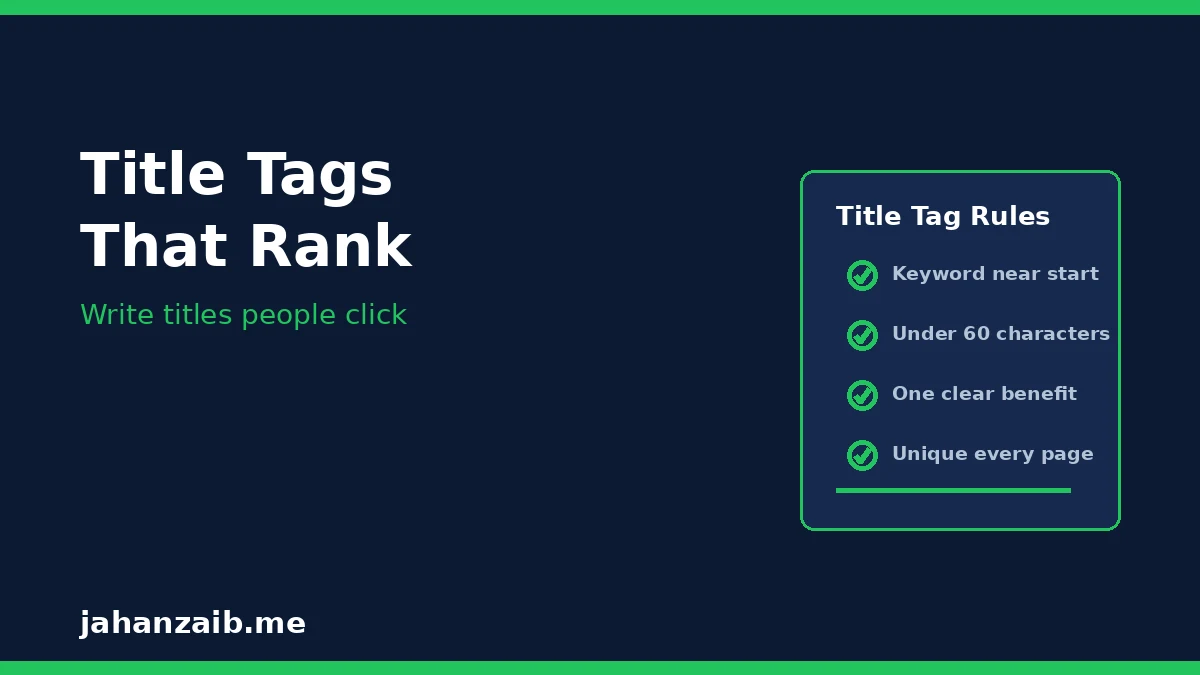
The title tag is the clickable headline in search results. It is the first thing both Google and the searcher see, so it carries more weight than most people expect. Keep it under 60 characters so it does not get cut off in search results.
- Put the main keyword near the start. If the page is about on-page SEO for plumbers, start with that idea, not with your company name.
- Promise one clear benefit. Tell the searcher what they will get: a guide, a checklist, a price, or an answer.
- Make every title unique. Two pages with the same title confuse Google and waste a ranking chance.
- Write for a person, not a robot. A title that reads naturally gets more clicks than a title stuffed with keywords.
Examples of the pattern, not copied titles: “On-Page SEO for Small Businesses: 2026 Guide” tells the searcher the topic, the audience, and the freshness in one line. Your titles should do the same job for your own services.
How should I structure headings on a page?
Headings do two jobs: they help readers scan the page, and they help Google understand what each section covers. Use them in order, like chapters in a book.
- One H1 per page. The H1 is the main page title. It should match the topic of the title tag closely, in natural language.
- H2s for the main questions. Each H2 should cover one broad question, like the headings in this article.
- H3s for sub-points. Use H3s only inside an H2 section, for smaller details that belong under it.
- Never skip levels for style. Do not jump from H1 to H4 because you like the font size. Heading order is structure, not decoration.
A useful test: read only your headings, in order. If they tell the story of the page on their own, your structure is right. If they read like a random list, reorganise before you publish.
What makes on-page content actually helpful?
Helpful content answers the question directly, then adds the detail a real customer would need. It does not hide the answer behind long introductions, and it does not pad itself with filler to look longer.
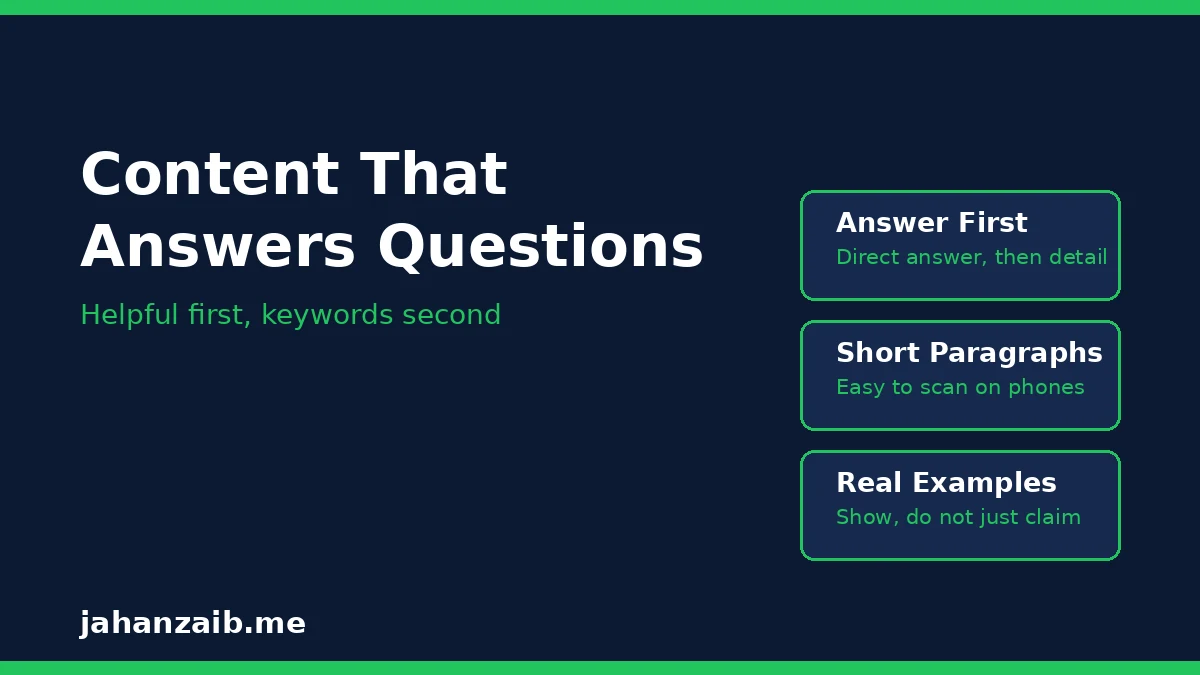
- Answer first, then explain. Give the direct answer in the first paragraph of each section, then add steps, examples, and tips below it.
- Use short paragraphs. Two to four sentences per paragraph keeps the page easy to read on a phone.
- Use real examples from your own work. First-hand experience is what separates a useful page from generic advice. I write from audits I have actually run, not from theory.
- Cover the follow-up questions. After answering the main question, answer the next three questions a customer would ask. That is what keeps visitors on the page.
- Update old pages. A page written two years ago with old advice hurts trust. Review your main service pages regularly and refresh them.
Length is not the goal. Completeness is. A short page that fully answers one question beats a long page that dances around it.
How do images and alt text help on-page SEO?
Images help readers understand faster, and they break up long text. But they only help SEO when they are handled properly. Oversized images are also one of the most common speed problems on small business sites, which is why my technical SEO guide covers image compression in detail.
- Use images that add meaning. A screenshot, a checklist graphic, or a real photo of your work beats a generic stock photo every time.
- Compress every image. Resize images to the size they display at, and serve them in WebP format where possible.
- Write a descriptive alt tag. Alt text describes the image for screen readers and search engines. It should say what the image shows, including the keyword only where it fits naturally.
- Name files clearly. A file named “on-page-seo-title-tags.webp” is more useful than “IMG_4821.jpg”.
Never use an image as a substitute for text. If an important point only exists inside an image, Google cannot read it, and neither can a visitor using a screen reader.
How should I use internal links?
Internal links are links from one page on your site to another page on your site. They help Google discover your pages, show which pages matter most, and guide readers to the next useful step. Most small business sites underuse them badly.
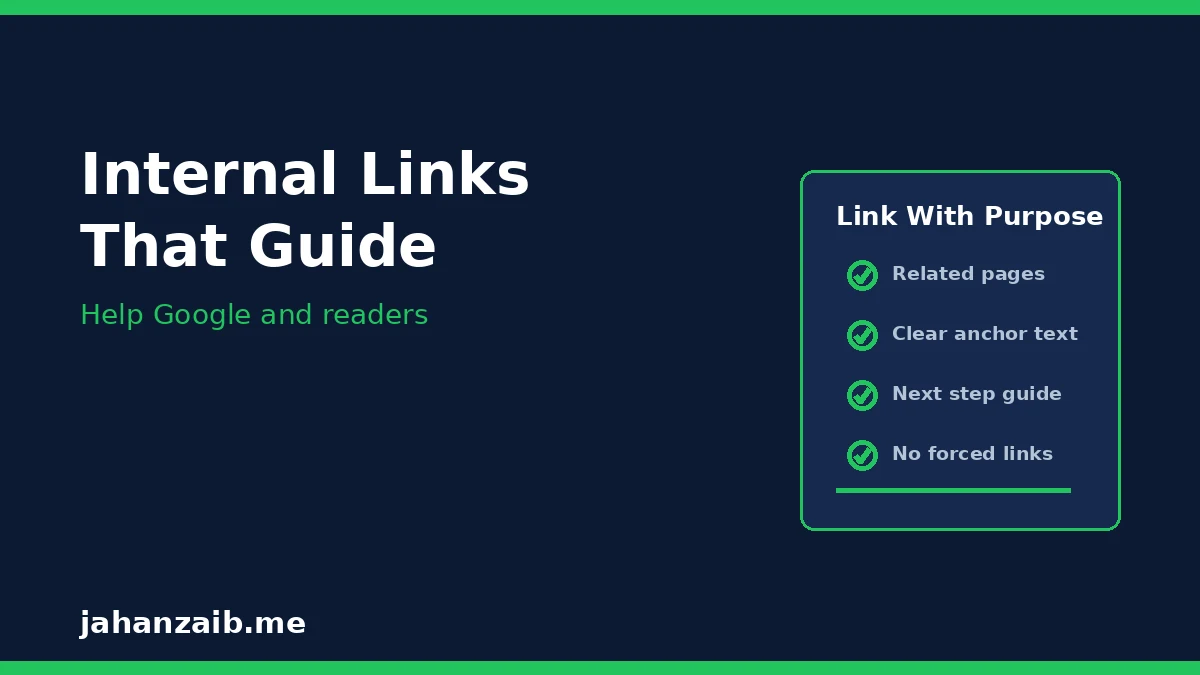
- Link to related pages only. A page about on-page SEO should link to your technical SEO or content pages, not to every page on your site.
- Use descriptive anchor text. Link the words that describe the destination, like “technical SEO guide”, not “click here”.
- Link early and naturally. Put the most useful link where a reader would actually want it, inside the relevant paragraph, not dumped at the bottom.
- Do not force extra links. Three genuinely useful links beat ten forced ones. Every link should help the reader or help Google understand the page.
Think of internal links as a guided tour of your site. A visitor who reads one useful page should always have a clear, relevant next page to visit.
What are the most common on-page SEO mistakes?
After reviewing many small business sites, these are the mistakes I see most often:
- Two pages targeting the same keyword. When two pages compete for the same search, neither ranks as well as one strong page would.
- Title tags that say nothing. Titles like “Home” or “Services” tell Google nothing about what the page offers.
- Walls of text with no headings. Visitors scan before they read. A page with no headings loses them in seconds.
- Keyword stuffing. Repeating the same phrase unnaturally reads badly and helps nobody. Write naturally and trust Google to understand synonyms.
- No call to action. A page that informs but never guides the reader wastes the visit.
- Thin service pages. A service page with two sentences and a contact form gives Google nothing to rank and gives visitors no reason to trust you.
- Outdated content left live. Old prices, old advice, and old offers damage credibility every day they stay up.
Run through this list on your five most important pages first. Those pages bring in the enquiries, so they deserve the most attention.
What is a simple on-page SEO checklist I can use for every page?
Use this checklist before you publish any new page, and when you refresh an old one:
Before writing
- One page, one topic, one main keyword.
- Know the exact question the page answers.
- Know the one next step the reader should take.
While writing
- Unique title tag under 60 characters, keyword near the start.
- One H1, H2s as main questions, H3s for sub-points.
- Direct answer first, then detail, in short paragraphs.
- Bullet points or numbered lists wherever steps or tips appear.
- Compressed images with descriptive alt text.
- Two or three useful internal links with descriptive anchor text.
Before publishing
- Read only the headings: do they tell the page’s story?
- Check the page on a phone: is it easy to scan and tap?
- Check the title and meta description in a search preview.
- Confirm the call to action works and leads somewhere real.
Need help fixing your pages?
If your service pages are not bringing in enquiries, the problem is often on the page itself: a weak title, unclear headings, thin content, or no next step. I can review your main pages and show you exactly what to fix first, starting with the pages that matter most for your business.
Contact me here and tell me about your website. I work with small businesses in the UK, US, and Australia, and I will give you an honest assessment of what your pages need.