WordPress powers a huge share of small business websites, and that is good news for you. Out of the box, WordPress is already search friendly. But out of the box is not enough to outrank competitors in 2026. The difference between a WordPress site that sits on page three and one that wins local customers is a set of simple, repeatable settings: clean URLs, fast loading, correct titles, and local signals Google can trust. I have worked with WordPress sites for years as a local SEO and digital marketing specialist, and this guide walks you through the exact WordPress SEO setup I recommend to small businesses in the UK, US, Australia, and other Tier-1 markets. No coding needed, no jargon, just steps that work.
What Is WordPress SEO?
WordPress SEO is the practice of setting up and optimizing a WordPress website so Google can find it, understand it, and rank it higher. It covers three areas:
- Technical setup: clean permalinks, fast speed, mobile friendly design, and a correct sitemap.
- On-page SEO: one clear keyword per page, strong titles, helpful headings, and internal links.
- Local SEO: business details, location pages, and a Google Business Profile that matches your site.
WordPress makes all three easier than most platforms, because good SEO plugins handle the technical heavy lifting for you. Your job is to make the right choices inside those plugins and to publish genuinely helpful content.
How Do You Set Up WordPress SEO the Right Way?
Start with these five foundations before you touch anything else:
- Permalinks: Go to Settings, then Permalinks, and choose Post name. Clean URLs like yoursite.com/wordpress-seo-guide beat ugly URLs with numbers and question marks.
- SEO plugin: Install one trusted SEO plugin, such as Yoast SEO or Rank Math, and complete its setup wizard. Do not install two SEO plugins at once, because they will fight each other.
- Titles and descriptions: Write a unique title and meta description for every page and post. Keep titles under 60 characters and descriptions under 155 characters so Google shows them in full.
- Sitemap: Let your SEO plugin generate an XML sitemap, then submit it in Google Search Console. This tells Google about every page worth indexing.
- SSL: Make sure your site loads over HTTPS with the padlock showing. Google treats HTTPS as a basic trust signal, and visitors do too.
Which WordPress SEO Plugin Should You Choose?
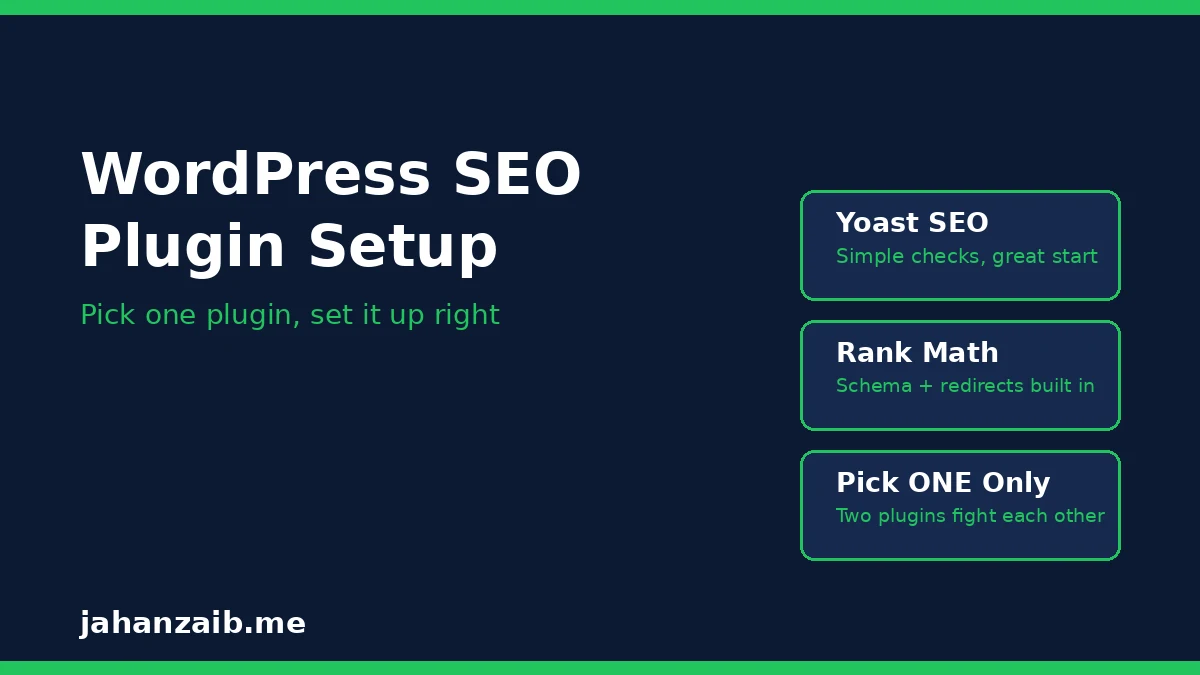
For most small businesses, either Yoast SEO or Rank Math will do the job well. Pick one based on these points:
- Yoast SEO: the most widely used option, with clear traffic light checks for titles, readability, and keyword use. A great first choice if you want simple guidance.
- Rank Math: a strong free option with built in schema, redirection tools, and keyword tracking for multiple keywords per post.
- What to avoid: installing both at once, installing three or four “SEO booster” plugins together, or paying for a premium plugin before you have fixed the free basics.
The plugin does not rank your site. Your content, speed, and links do. A plugin simply makes the technical work easier and catches mistakes before you publish. Once you have a plugin running, move on to the work that actually moves rankings: content and links.
How Do You Speed Up a WordPress Site?
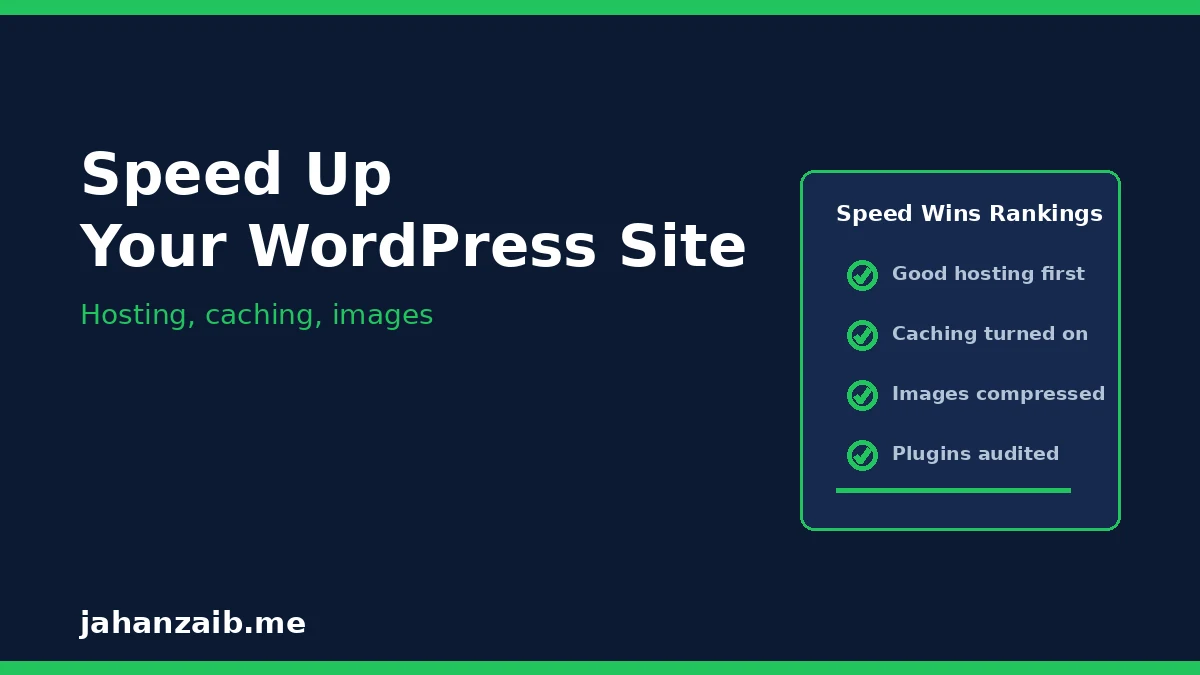
Speed is a ranking factor and a conversion factor. Visitors leave slow sites, and Google notices. Here is the practical speed checklist I use:
- Good hosting: cheap shared hosting is the number one cause of slow WordPress sites. A quality host with server level caching is worth every penny.
- Caching plugin: install one caching plugin and turn on page caching. This serves stored copies of pages instead of rebuilding them on every visit.
- Image compression: compress every image before upload and serve modern formats like WebP. Large uncompressed photos are the most common speed killer on small business sites.
- Fewer plugins: audit your plugins twice a year and delete anything you do not use. Every active plugin adds load time and security risk.
- Lightweight theme: choose a fast, well maintained theme. Heavy page builder themes with dozens of animations look impressive and load slowly.
Test your site with Google PageSpeed Insights after each change, and aim for the biggest wins first. Fixing images and hosting usually beats weeks of tiny tweaks.
How Do You Write SEO Friendly Content in WordPress?
Content is where most small business WordPress sites win or lose. Follow this simple structure for every post and service page:
- One main keyword per page: pick the exact phrase customers search, and use it naturally in the title, first paragraph, one heading, and image alt text.
- Answer a real question: structure posts as questions with direct answers, so Google and AI tools like ChatGPT can quote your content.
- Short paragraphs: keep paragraphs to two or three sentences. Short paragraphs read better on mobile, where most of your customers are.
- Headings that help: use one H1 for the title, H2 headings for main sections, and H3 headings for sub points. Never skip heading levels for styling.
- Bullet points and lists: break steps, tips, and comparisons into bullet points. Readers scan first and read second.
- Internal links: link each new post to two or three related pages on your own site, using descriptive anchor text.
One strong post per week beats ten thin posts per month. Publish less, but make every post genuinely useful to a real customer.
How Does WordPress SEO Connect to Local Rankings?
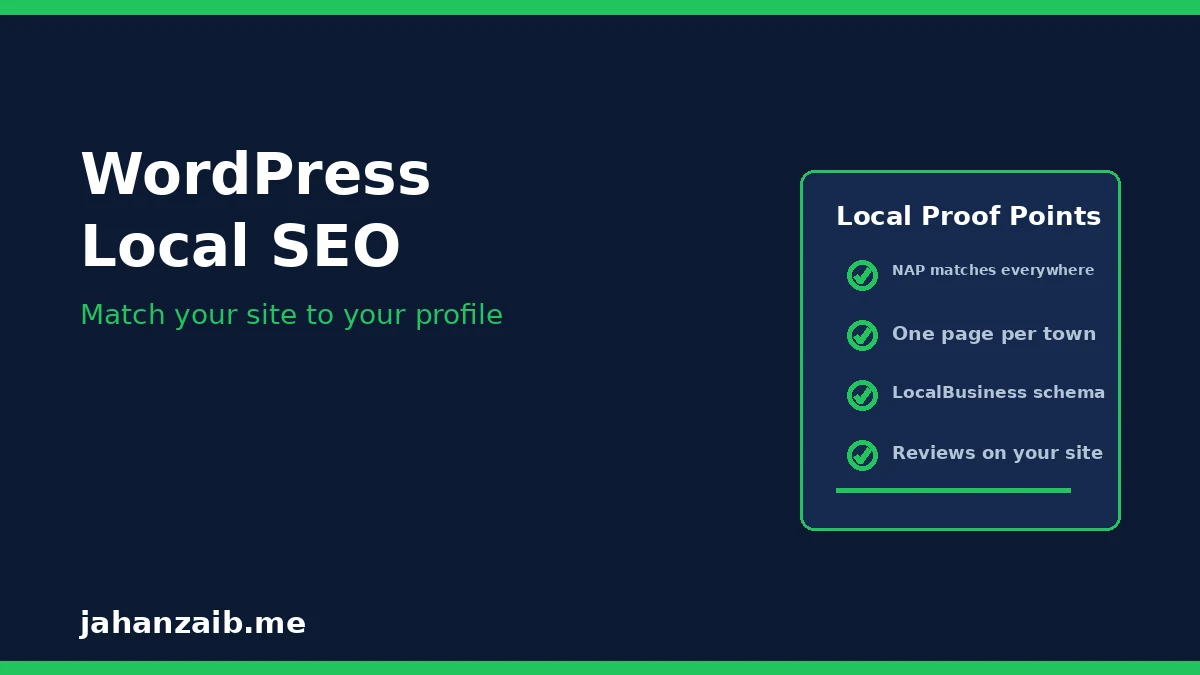
If you serve customers in a city or region, WordPress SEO and local SEO work together. Your website gives Google the proof behind your Google Business Profile. Connect them like this:
- NAP consistency: your business name, address, and phone number must match exactly on your website, your Google Business Profile, and every directory listing.
- Location pages: if you serve several towns, create one honest page per town you genuinely serve, with local details, not copied text with the town name swapped.
- Local schema: let your SEO plugin add LocalBusiness schema, which tells Google your business type, hours, and service area in code it can read.
- Reviews page: showcase real customer reviews on your site, and link visitors to leave a review on Google.
- Contact page: a clear contact page with a form, phone number, map, and opening hours builds trust with both visitors and Google.
When your website and your profile tell the same story, Google ranks you with more confidence. My guide to link building for small businesses also shows how local links strengthen this local picture further.
What WordPress SEO Mistakes Should You Avoid?
These mistakes show up on almost every small business WordPress site I review. Check yours against this list:
- Duplicate titles: every page with the same title tag confuses Google. Write a unique title for every page.
- Noindex left on: after a redesign or staging build, check that Settings, then Reading, does not have “Discourage search engines” ticked. This single checkbox has hidden many sites from Google for months.
- Thin service pages: a services page with three sentences will not rank. Each service deserves its own page with real detail, FAQs, and examples.
- Broken links and images: run a broken link check twice a year and fix dead links before visitors and Google hit them.
- Ignoring updates: WordPress core, theme, and plugin updates include security fixes. Keep backups, then update regularly. An outdated site is a hacked site waiting to happen.
How Long Does WordPress SEO Take to Work?
For a new or poorly optimized WordPress site, expect visible movement in 8 to 12 weeks after the foundations are fixed and content starts publishing regularly. Competitive keywords in big cities take longer. WordPress SEO is not a one time setup, it is a habit: publish helpful content, fix speed issues as they appear, earn links steadily, and review your rankings in Google Search Console every month. The businesses that stay consistent are the ones that hold page one.
What Should You Re-Check Every Month to Keep Your WordPress Site Ranking?
WordPress SEO is a habit, not a one-time setup. New plugins, theme updates, and content changes can quietly undo good settings. Spend one hour a month on these checks and your rankings stay protected:
- Updates and backups: make sure WordPress core, your theme, and all plugins are updated, and that your last backup completed successfully. Update on a staging copy first if your site takes orders.
- Speed re-test: run one page through a speed test tool. New plugins and media uploads often add weight, so catch slowdowns before they affect rankings.
- Search Console scan: open Google Search Console and check the Pages report for new indexing errors and the Experience report for fresh Core Web Vitals issues.
- Plugin audit: deactivate any plugin you no longer use. Fewer active plugins mean less code, fewer conflicts, and a smaller attack surface.
- Content freshness: revisit your top traffic pages and confirm prices, hours, service areas, and FAQs are still accurate. Fresh, correct content keeps clicks and trust.
Updated 30 October 2026.
Should You Hire a WordPress SEO Expert?
You can handle the foundations in this guide yourself in a weekend, and for many small businesses that is enough to start. But if your site has technical problems, traffic has dropped after an update, or you simply have no time for content and outreach, expert help pays for itself. I am a local SEO and digital marketing specialist with six years of SEMrush experience, helping small businesses in the UK, US, Australia, and other Tier-1 markets get WordPress sites that rank and convert. Tell me about your website on my contact page and I will give you an honest assessment of what is holding it back.
WordPress is open source software used by millions of websites; read more about WordPress on Wikipedia.